Protection from Malware | Best Ways to Secure Your Device
Published: 15 May 2026
Have you ever noticed your phone getting slow or your laptop showing strange pop-ups? It can feel scary. You may worry that someone is watching you or stealing your data. This is where malware becomes a real problem. Malware is harmful software that can damage your device, steal your personal details, and even lock your files.
Many people think it will never happen to them. But the truth is, anyone can become a target. One wrong click on a bad link can cause big trouble. That’s why malware protection is not just an option, it is a must.
The good news is, staying safe is easier than you think. With the right steps and tools, you can protect your data, your money, and your peace of mind. In this article, you will discover simple methods that can help keep your devices secure from cyber dangers. Ready to take control and stay protected? Let’s get started.
What is Malware Protection? (Simple Explanation)
Malware protection is a way to keep your device safe from harmful software. It helps protect your phone, laptop, or computer from viruses, spyware, ransomware, and other online threats. These threats can steal your data, damage your system, or slow it down.
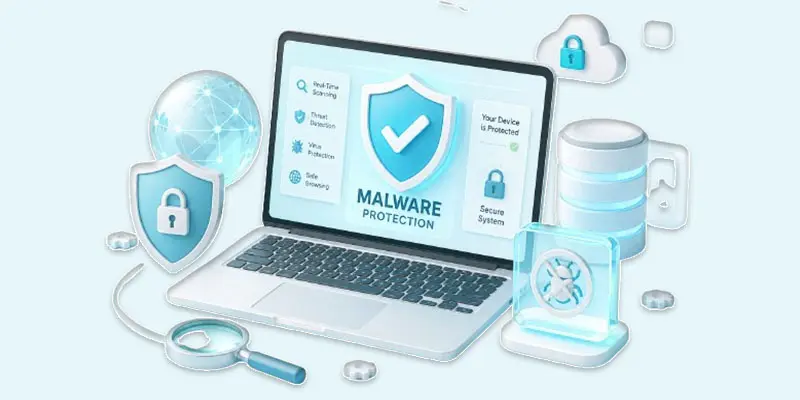
In simple words, malware protection works like a security guard for your device. It checks files, apps, and websites before they can harm you. If it finds something risky, it blocks or removes it. Here’s what malware protection usually does:
- Scans your device for harmful programs.
- Blocks unsafe websites and downloads.
- Alerts you about suspicious activity.
- Removes detected threats.
For example, if you download an app from an unknown site, your antivirus tool can warn you before you install it. This helps you avoid problems. Many tools, like antivirus software, firewalls, and security apps, provide malware protection. When you use them with safe browsing habits, you reduce the risk of cyber attacks and keep your personal data secure.
What are the Best Ways to Protect Against Malware?
Protecting your device from malware is not hard. You only need to practice a few easy safety habits each day to stay protected online. These steps help keep your data safe and your system running smoothly. Here are the best ways to protect against malware:
- Install trusted antivirus software: Use a reliable antivirus or anti-malware tool. It scans your device and removes harmful programs. Example: When you download a file, the antivirus checks it before opening.
- Keep your system and apps updated: Always install updates for your phone, laptop, and apps. Updates fix security problems. Example: A software update can close a gap that hackers use to attack.
- Avoid clicking unknown links: Do not click links from unknown emails, messages, or pop-ups. They may contain malware. Example: A fake message saying “You won a prize” can lead to a harmful site.
- Download apps from trusted sources only: Use official app stores like Google Play or Apple App Store. Avoid third-party websites. Example: Apps from unknown sites may hide spyware or viruses.
- Create secure passwords: by combining uppercase letters, lowercase letters, numbers, and symbols for better protection. Do not reuse the same password. Tip: Use a password manager to keep them safe.
- Turn on your firewall: A firewall blocks unsafe traffic from entering your device. It adds an extra layer of security. Example: It stops unknown apps from connecting to the internet.
- Be careful with email attachments: Do not open attachments from unknown senders. They may carry malware. Example: A fake invoice file can install ransomware on your device.
- Use secure Wi-Fi connections: Avoid public Wi-Fi for sensitive tasks like banking. If needed, use a VPN. Example: Hackers can steal data on open networks.
- Make regular backups: of your important files by storing them on cloud services or external storage devices. Example: If ransomware locks your files, you can restore them easily.
- Scan your device regularly: Run full system scans weekly to detect hidden threats early. Tip: Set automatic scans for better safety.
- Avoid downloading cracked or pirated software: These files often contain hidden malware. Example: A free version of paid software may install spyware.
- Stay alert and think before you click: Most cyber threats rely on user mistakes. Always double-check links and downloads. Example: If something looks too good to be true, it usually is.
Why Malware Protection is Important?
Malware protection is important because it keeps your device, data, and online life safe. Today, we use phones and computers for banking, shopping, and social media. This makes us easy targets for cyber threats like viruses, spyware, and ransomware. Without malware protection, your personal information can be stolen.
Hackers can access your passwords, photos, and even bank details. This can lead to money loss and privacy issues. For example, a fake app can secretly track your activity and send your data to attackers. Malware can also slow down your device or cause it to crash. You may see unwanted ads or unknown apps. This makes your device hard to use and unsafe.
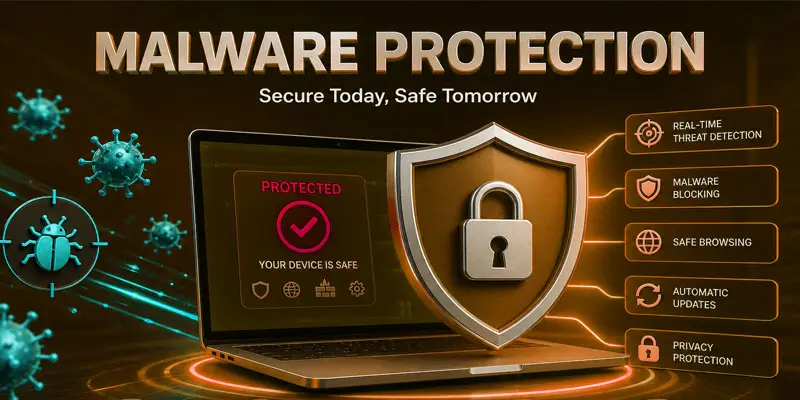
Good malware protection helps block harmful files, detect threats early, and remove them quickly. It works like a shield that protects your system from damage. In simple words, malware protection gives you safety, peace of mind, and better performance. It helps you use the internet without fear and keeps your digital life secure.
What are the Signs Your Device May Have Malware?
If your device starts acting strangely, it may have malware. These warning signs help you spot problems early and take action before things get worse.
- Slow performance: Your phone or computer becomes very slow. Apps take time to open. Example: A simple app like a browser takes too long to load.
- Frequent crashes or freezing: Your system stops working or restarts without reason. Example: Your screen freezes while using normal apps.
- Too many pop-up ads: You see ads even when you are not browsing. Example: Ads appear on your home screen suddenly.
- Unknown apps installed: New apps appear that you did not install. Example: You find a game or tool you never downloaded.
- Battery draining fast: Your battery runs out quickly without heavy use. Example: Your phone drops from 80% to 30% in a short time.
- Unusual data usage: Your internet data finishes faster than normal. Example: Background apps use data without your knowledge.
- Strange messages or emails: Your device sends messages to others without your action. Example: Your friends receive spam messages from your account.
- Security warnings or disabled protection: Your antivirus stops working or shows alerts. Example: Security settings turn off automatically.
What is the Difference Between Free and Paid Malware Protection?
Understanding free vs paid malware protection helps you choose the right level of security for your device and keep your data safe.
| Free Mal | Paid Mal |
|---|---|
| Free to use. | Requires subscription or one-time payment. |
| Basic protection only. | Advanced and full protection. |
| Limited or not available. | Always active real-time protection. |
| Basic virus scanning. | Extra tools like firewall, VPN, ransomware protection. |
| Less frequent updates. | Regular and faster security updates. |
| Limited or community help. | 24/7 professional support. |
| May slow down the device. | Optimized for better performance. |
| Very few tools are included. | Includes identity theft and phishing protection. |
Final thoughts
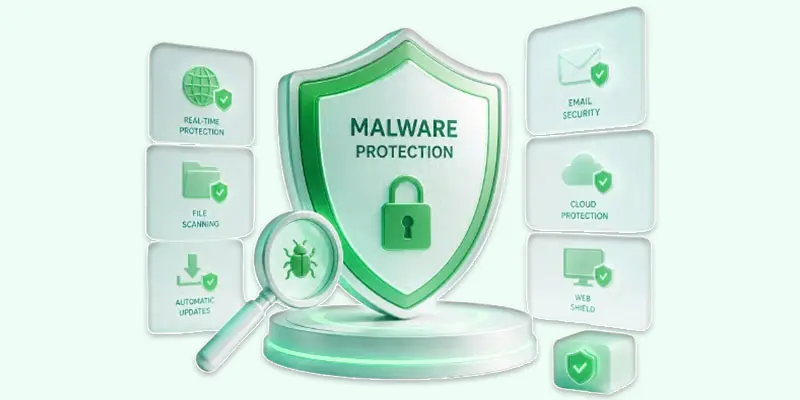
Malware protection keeps your device safe, your data secure, and your mind stress-free. Simple steps like using antivirus, updating software, and safe browsing can stop cyber threats. Start today. Protect your system, avoid risks, and stay secure online. Your safety is in your hands—take action now and stay protected.
FAQs
What is the best protection for malware?
The best protection for malware is a trusted antivirus program with real-time scanning. It blocks viruses, spyware, and ransomware before they harm your device. Always combine it with safe browsing habits and regular software updates.
How do I check if I have malware?
You can check for malware by running a full antivirus scan on your device. Look for slow performance, pop-up ads, unknown apps, or unusual data usage. These are common signs of infection.
How can I find hidden malware?
You can find hidden malware by using advanced antivirus or anti-malware tools that scan system files deeply. Also, check running apps and background processes for anything unusual or unknown.
What is the best free malware removal tool?
The best free malware removal tool is a trusted antivirus like Windows Defender or Malwarebytes Free. It scans, detects, and removes basic threats while offering simple protection for beginners.
How do we stop malware?
You can stop malware by avoiding suspicious links, downloading apps from trusted sources, updating software, and using antivirus protection. These simple steps reduce infection risks and keep your device safe.
What is the most trusted virus protection?
The most trusted virus protection comes from well-known antivirus brands that offer real-time security, firewall protection, and regular updates. They protect your device from viruses, ransomware, and online threats effectively.




- Be Respectful
- Stay Relevant
- Stay Positive
- True Feedback
- Encourage Discussion
- Avoid Spamming
- No Fake News
- Don't Copy-Paste
- No Personal Attacks
- Be Respectful
- Stay Relevant
- Stay Positive
- True Feedback
- Encourage Discussion
- Avoid Spamming
- No Fake News
- Don't Copy-Paste
- No Personal Attacks
