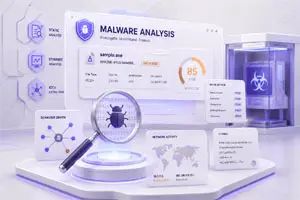
How to Uninstall Malware and Protect Your Computer
Uninstalling malware from a computer requires careful steps to fully remove all harmful files. First, you should run a trusted antivirus or anti-malware scan to detect infected programs. After that, remove or quarantine the detected threats immediately. It is also important to check installed applications and browser extensions and delete anything unfamiliar. Restarting your system in safe mode can help stop malware from running and make removal more effective. Regular system scanning helps keep your device clean and secure.





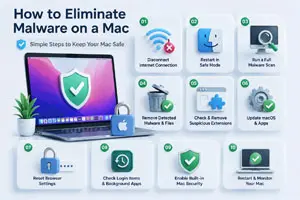


How to Stop a Computer Virus Before It Spreads
Stopping a computer virus requires safe browsing habits and strong security tools. Always keep your operating system and software updated to fix security gaps. Always avoid downloading files or software from untrusted websites or unknown sources. Do not open or click on suspicious links in emails or messages because they can contain harmful viruses. Using a trusted antivirus program helps detect threats early and protects your system in real time. Regular system scans and careful online behavior are the best ways to protect your computer from virus attacks.

Have you ever noticed your iPhone acting strange for no clear reason? Maybe it starts running slow, shows unwanted pop-ups, or your battery drains faster […]
Have you ever noticed your Mac acting strange all of a sudden? Maybe it became slow, started showing pop-up ads, or opened websites you did […]
Malware vs Antivirus: How They Differ and Why It Matters
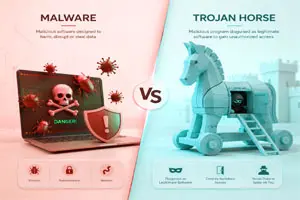
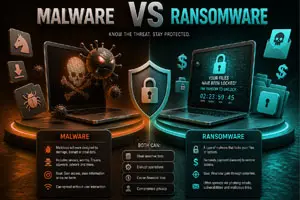
Malware and antivirus are completely different from each other. Malware is a type of harmful software that attacks or damages your computer system. On the other hand, an antivirus is a protective program designed to detect, block, and remove malware. While malware creates security risks, antivirus software works as a defense system to keep your device safe. In simple terms, malware is the threat, and antivirus software is the solution that protects your system from that threat.