What is OCR in Computer? Explore OCR Applications
Published: 5 Jun 2024
Have you ever tried copying text from an image or scanned document and failed? It can feel slow and frustrating when you have to type everything manually. This is a common problem for students, office workers, and business users who deal with printed or handwritten data every day. It wastes time and increases the chance of errors.
This is where What is OCR becomes important. OCR stands for Optical Character Recognition, a smart technology that reads text from images, scanned pages, or PDF files and converts it into editable digital text. In simple words, it turns pictures of words into real, usable text on your computer or phone.
With OCR technology, you can easily scan documents, extract text from images, and edit files without retyping everything. It helps in saving time, improving accuracy, and boosting productivity in education, business, and daily work. In this article, you will clearly understand how OCR works, where it is used, and why it is becoming so important in the digital world today.
What is a OCR?
OCR stands for Optical Character Recognition. It allows computers to read and understand scanned text, documents, and images. It helps automate data entry and improve document management.
What are Some Real-Life Examples of Optical Character Recognition?
- Scan a business card using OCR technology.
- Converts printed text into editable contact details.
- Allows you to save and organize the information.
- Automatically adds contact details to your contact list.
What are the Common Applications of Optical Character Recognition?
OCR technology is widely used across various industries to convert physical documents into editable digital formats. Its applications help streamline workflows, improve data accessibility, and save time.
- Document Management
- Invoice Processing
- Book Scanning and Digitization
- License Plate Recognition
- Translation Services
- Handwriting Recognition
- Text Recognition in Images
- Data Entry Automation
- Passport Scanning
- Receipt Scanning
Document Management
Document management with OCR technology helps organizations efficiently organize, store, and retrieve digital copies of physical documents. It reduces manual effort, improves accessibility, and enhances workflow efficiency.
Invoice Processing
Invoice processing with OCR technology automates the extraction of key data from invoices, reducing manual entry and speeding up the accounts payable process. This improves accuracy and streamlines financial workflows.
Book Scanning and Digitization
OCR digitizes books, libraries, and publishers’ manuscripts and historical documents, making them accessible and searchable in digital format. It maintains valuable literary and historical resources and increases their distribution.
License Plate Recognition
OCR is a necessary component of license plate recognition systems for automated vehicle identification, such as toll booths, parking lots, and law enforcement applications. It improves security and traffic management, and the law enhances efficiency.
Translation Services
OCR technology is used in language translation. It provides services to convert printed text into a digital format and for automated translation and localization of documents. This facilitates cross-language communication and content distribution.
Handwriting Recognition
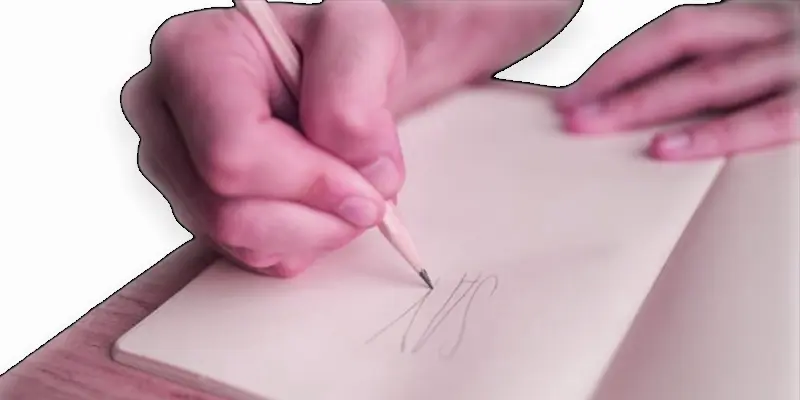
Handwriting recognition using OCR technology converts handwritten text into a digital, editable format, making it easier to store and process handwritten documents. It enhances accuracy and saves time in data entry.
Text Recognition in Images
Text recognition in images using OCR technology extracts text from photos or scanned images, converting it into editable and searchable digital content. This process enables better data management and accessibility.
Data Entry Automation
Data entry automation with OCR technology reduces manual input by automatically extracting and entering data from documents into digital systems. This increases efficiency, minimizes errors, and saves time.
Passport Scanning
Passport scanning using OCR technology quickly extracts and digitizes key information from passports, such as name, passport number, and expiration date. This streamlines identity verification and improves security in various processes.
Receipt Scanning
Receipt scanning with OCR technology allows businesses and individuals to capture and digitize receipt details, making it easy to track expenses and organize financial records. This process reduces manual data entry, improves accuracy, and simplifies accounting tasks.
Final Thoughts
OCR technology makes it easy to convert printed or image-based text into editable digital content. It helps in saving time, reducing errors, and improving workflow in offices, schools, and businesses. Understanding What is OCR is shows how Optical Character Recognition improves document scanning, text extraction, and data processing. Start using OCR tools today to work faster and smarter. It is a simple step that brings big improvements in productivity and digital efficiency.
FAQs
How does OCR work?
OCR can scan images in the shapes and patterns of characters, compare them to a database of known characters, and transform them into text using optical recognition algorithms.
How to use OCR?
You can use OCR through scanner software or mobile apps. Just scan the document, and the software will convert it to text.
When was OCR first used?
OCR was first used in the early 1900s. It became popular in the 1970s for reading bank checks and documents.
What are the characteristics of OCR?
OCR recognizes shapes of letters, numbers, and symbols. Good OCR software is fast, accurate, and works with different fonts and languages.

- Be Respectful
- Stay Relevant
- Stay Positive
- True Feedback
- Encourage Discussion
- Avoid Spamming
- No Fake News
- Don't Copy-Paste
- No Personal Attacks
- Be Respectful
- Stay Relevant
- Stay Positive
- True Feedback
- Encourage Discussion
- Avoid Spamming
- No Fake News
- Don't Copy-Paste
- No Personal Attacks
