Top Uses of Document Scanning and How It Helps in Daily Life
Published: 7 Jun 2024
Scanners are essential tools in today’s digital world, used to convert physical documents into digital formats for easy storage and sharing. But what are the real uses of a scanner, and how do they benefit you? Whether you’re struggling with organizing paper documents or need a fast solution for digitizing photos, scanners offer a quick and efficient way to solve these problems. From home offices to businesses, understanding how scanners fit into your workflow can make all the difference in improving productivity.
| What is Document Scanning and how it works? |
|---|
Document scanning is the process of turning paper documents into digital files using a scanner. It’s like taking a clear photo or digital copy of a paper, usually saved as a PDF or image file. Simple ExampleImagine you have an old school certificate. You place it in a scanner, press a button, and now you’ve saved it on your computer without needing the original paper. This method is a big part of document scanning for home and office use, where people need to store, send, or organize important papers easily and safely. Scanned documents are
|
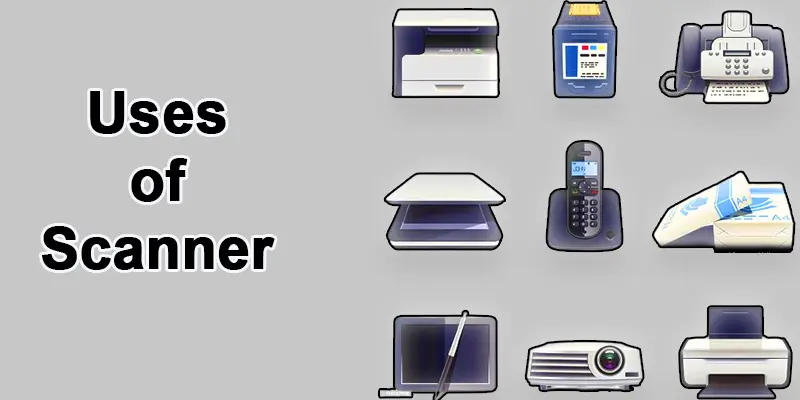
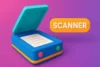
Scanners are versatile tools used to convert physical items like documents and images into digital formats, making them easier to store and share.
- Document Scanning
- Photo Digitizing
- Receipt Archiving
- Business Card Scanning
- Paperless Office
- Healthcare Scanning
- Image Editing
- Artwork Scanning
- Book Scanning
- Creating Backup Copies
- Educational Scanning
- Historical Archiving
Document Scanning
A scanner converts paper documents into digital formats, hence the name document scanning. This technology has numerous applications across various sectors, providing essential benefits regarding efficiency, accessibility, and security.
Photo Digitizing
Photo digitizing is the process of converting physical photographs into digital formats, allowing for easy storage, sharing, and preservation. It helps preserve memories while making it simpler to edit or print photos in the future.
Receipt Archiving
Receipt archiving involves scanning and storing receipts in digital format for easy access, organization, and long-term storage. It simplifies expense tracking and eliminates the need for physical paperwork.
Scanning Business Cards
Business card scanning allows you to quickly digitize contact information from business cards, organizing them into a digital format for easy storage and access. It simplifies contact management and eliminates the need for physical cards.
Paperless Office
A paperless office involves using digital tools to store, manage, and share documents, eliminating the need for physical paper. It increases efficiency, reduces clutter, and promotes eco-friendly practices.
Healthcare Scanning
A scanner is used in healthcare to capture and store medical images like X-rays and MRIs for diagnosis and treatment. This process provides numerous benefits for healthcare, patients, and researchers by improving accessibility, accuracy, and efficiency in medical diagnosis and treatment.
Image Editing
Image editing involves altering or enhancing digital images using software to improve quality or create new visuals. It allows for adjustments in color, contrast, cropping, and other elements to meet specific needs.
Artwork Scanning
Artwork scanning involves converting physical art pieces, such as paintings and drawings, into high-quality digital images using specialized scanners. This process offers numerous benefits for artists, graphic designers, collectors, and institutions by preserving, sharing, and enhancing the accessibility of artworks.
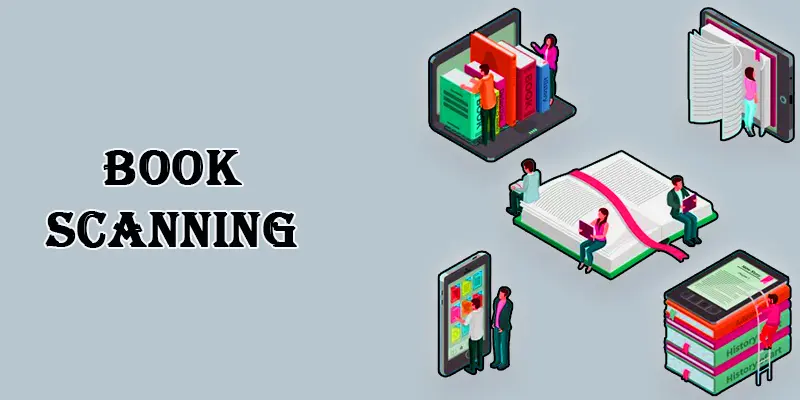
Book Scanning
Book scanning involves converting physical books into digital formats without damaging them using specialized scanners. This process enhances the accessibility, preservation, and utility of written content and provides numerous benefits for libraries, researchers, and students.
Creating Backup Copies
Creating backup copies involves duplicating important digital files or documents to ensure their safety in case of data loss. It provides an extra layer of protection against unexpected events, such as system failures or accidental deletions.
Educational Scanning
Educational scanning enhances the learning experience by providing easy access to digital resources. It involves educators, students, and academic institutions sharing resources. This mutual approach to learning fosters creativity, innovation, and access to diverse educational content.
Historical Archiving
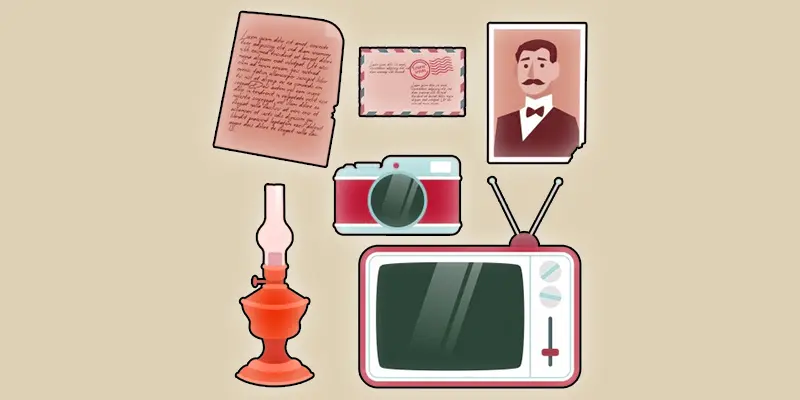
Historical archiving involves preserving and storing valuable historical records, documents, and artifacts for future generations. It ensures that important cultural, social, or political information remains accessible for research, education, and reference.
| What are the Benefits of Using a Scanner at Home and Work? |
|---|
Using a scanner makes your life easier at home, at school, or in the office. It helps turn paper into digital files so you can store, share, and protect your documents easily. Saves Physical Space
Fast and Easy
Organized Recordkeeping
Safe Backup of Important Papers
Better for the Environment
|
Conclusion
We’ve covered the Uses of Scanner Document Scanning in detail. Whether you’re managing office paperwork or saving personal records, using a scanner makes life easier, faster, and more organized. I personally recommend starting with a basic home scanner or even a mobile scanning app it’s simple and saves you time. Try scanning your important papers today and see the difference! Don’t forget to share this guide if you found it helpful.
FAQS
To connect a scanner to the computer, you typically need to install the scanner drivers, connect the scanner to a USB port, and follow the software instructions for scanning.
Scanners in a computer may include flatbed scanners, sheetfed scanners, and handheld scanners, each with specific uses and features.
Scanners can be helpful for document digitization, photo archiving, art reproduction, medical imaging, and barcode scanning.
The scanning electron microscope captures high-resolution images of small objects and materials in biology, materials science, and nanotechnology.
Pregnancy scans, including the date, NT, abnormality, and growth scans, are usually conducted at different intervals.
When expecting a child, utilizing an NT scan can provide important information about the fetus’s development and potential health concerns.
The best scanner for a home printer may depend on budget, scanning needs, and compatibility with the printer.
USB scanners can scan documents & photos and digitize artwork.
A QR code scanner can scan QR codes on products for information, scan boarding passes, or quickly access websites.
The Scanner 3000 S3 may have features like high-resolution scanning, batch scanning capabilities, and compatibility with various document sizes.
Scanning includes digitizing documents, photos, artwork, and medical images.
PET scans include detecting diseases like cancer, evaluating blood flow, and studying brain activity.

- Be Respectful
- Stay Relevant
- Stay Positive
- True Feedback
- Encourage Discussion
- Avoid Spamming
- No Fake News
- Don't Copy-Paste
- No Personal Attacks
- Be Respectful
- Stay Relevant
- Stay Positive
- True Feedback
- Encourage Discussion
- Avoid Spamming
- No Fake News
- Don't Copy-Paste
- No Personal Attacks
